A widget that gives visitors a reason to book
The floating widget rotates short messages you write, so visitors see why to book before they click.
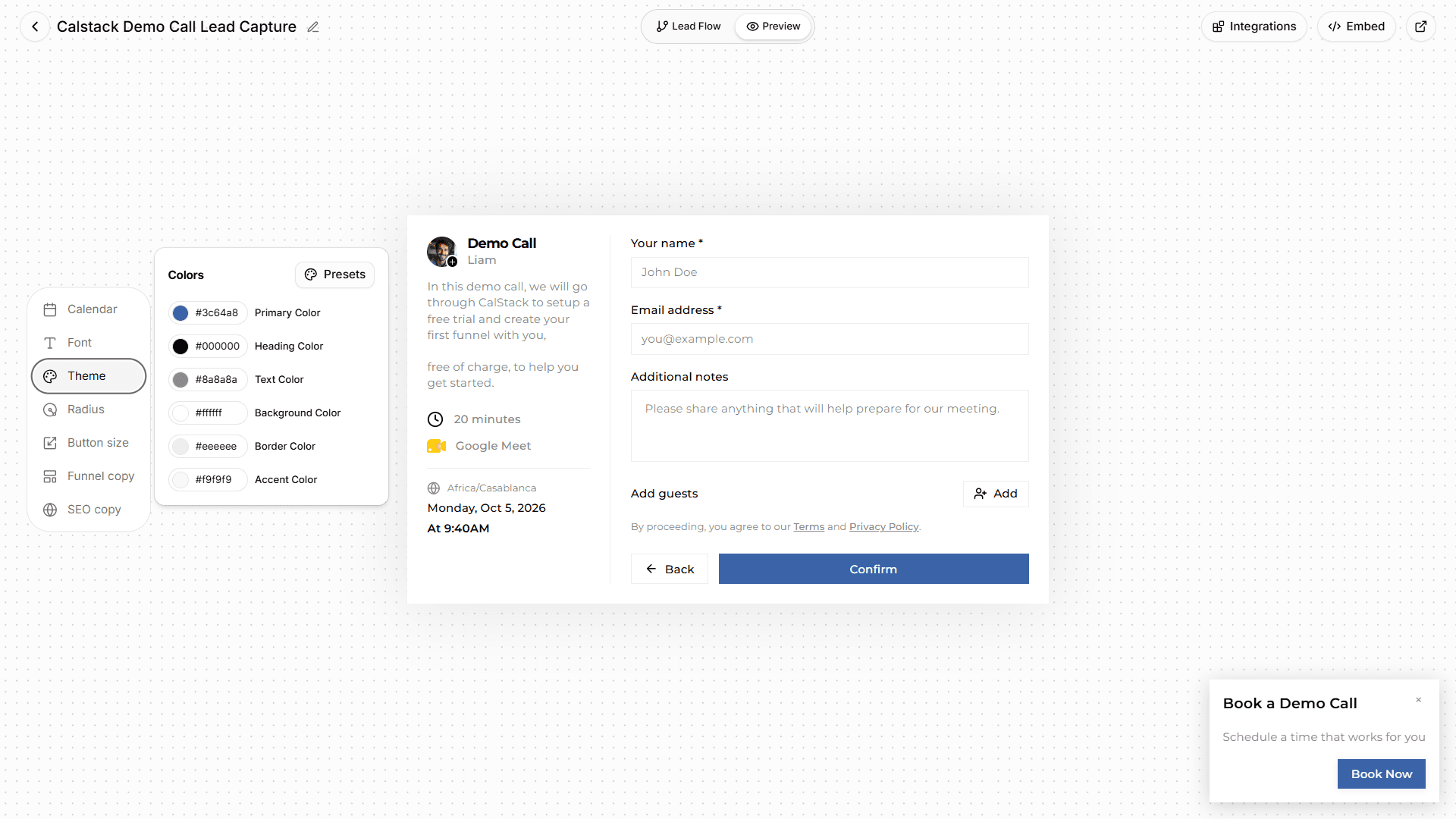
Both book meetings. CalStack qualifies leads first, preps every call in Google Meet, and charges one flat price.
| CalStack | Calendly |
|---|---|
| Best for | |
| Teams that book qualified calls from their website and run them in Google Meet. | People who need a scheduling link for any calendar or video tool. |
| Team price | |
| $47 a month billed yearly, up to 15 seats | $16 a seat a month billed yearly |
| Stands out for | |
| Questions before the calendar, AI call prep, a Meet side panel | Outlook, Zoom and Teams support, payments, CRM sync |
CalStack and Calendly both book meetings from a link or a widget on your website. CalStack is built for teams that qualify leads before the call and run their calls in Google Meet: it asks your questions first, preps each call with AI, and costs one flat price for up to 15 seats. Calendly is the better fit if you need Outlook, Zoom or Microsoft Teams, payments at booking, or a built-in CRM sync.
| Feature | CalStack | Calendly |
|---|---|---|
| Booking and qualifying | ||
| Booking page with its own link | Yes | Yes |
| Floating booking widget on your website | YesWith rotating callouts | YesPop-up widget |
| Booking calendar embedded inside a page | No | Yes |
| Qualifying questions before the calendarLeads answer your questions first, then pick a time. | Yes | PaidTeams, with routing forms |
| Send leads to the right place based on their answersTo a host or team, a message, or another page. | PaidTeam plan | PaidTeams plan |
| Team scheduling | ||
| Each host books on their own calendar | Yes | Yes |
| Round-robin across a teamSpread meetings evenly, or fill the most open slots. | PaidTeam plan | PaidTeams plan |
| Meetings that need several hosts free at once | PaidTeam plan | PaidStandard plan |
| Calendars and video | ||
| Google Calendar | Yes | Yes |
| Outlook and Microsoft 365 calendars | No | YesOutlook, Microsoft 365, Exchange |
| Google Meet links on every booking | Yes | Yes |
| Zoom and Microsoft Teams | No | YesAlso Webex and GoTo |
| Before, during and after the call | ||
| AI call prep for every bookingTalking points from the lead's answers, ready before the call. | YesUses AI credits | PaidPlus plans, ask Callie for a brief (beta) |
| AI recap after the call | YesFrom your notes | PaidPlus plans, from a recording |
| Records and transcribes the call | No | PaidPlus plans, Notetaker |
| Automations and integrations | ||
| Zapier | Yes | PaidStandard plan |
| Webhooks | Yes | PaidStandard plan |
| Reminder emails or texts before the call | No | PaidStandard plan, workflows |
| Built-in CRM sync | NoThrough Zapier, n8n or webhooks | PaidHubSpot on Standard, Salesforce on Teams |
| Take payment when a call is booked | No | PaidStripe and PayPal, Standard plan |
| Analytics | ||
| Booking and team analytics | Yes | PaidStandard plan |
| Plans | ||
| Free plan | Yes3 booking pages, 1 seat | Yes1 event type, 1 calendar |
| How seats are priced | Flat: up to 15 seats on Team | Per seat |
| Booking page in other languages | NoEnglish only | Yes7 languages |
CalStack charges one price per workspace with the seats included. Calendly charges for each seat. Pick a team size to compare list prices on the plans with round-robin and routing.
CalStack
$47a month
Team plan, flat, up to 15 seats
Calendly
$160a month
$16 × 10 seats, Teams, billed yearly
List prices in US dollars from each vendor’s pricing page, checked October 2026. Both have a free plan for one person. Calendly's monthly price is worked out from the yearly discount shown on its pricing page.
The floating widget rotates short messages you write, so visitors see why to book before they click.
Every booking page starts with your qualifying questions, on the Free plan too. CalStack can draft them from a short description of who you want to meet.
A side panel in Google Meet shows the lead's answers and your AI talking points. Tag the outcome and take notes without leaving the call.
See visits, referrers, UTM campaigns, countries and devices for each booking page, next to the bookings they turned into.
Each host connects their own Google Calendar. CalStack checks it for conflicts and adds a Meet link to every booking.
Add your Calendly invitee questions to a booking page, or describe your ideal lead and let CalStack draft them.
Paste one script tag to show the floating widget, and use the booking page link wherever you shared your Calendly link.
CalStack’s column comes from the product as it works today. Every Calendly fact comes from Calendly’s own site, checked October 2026. Prices are list prices in US dollars and change over time. If something here is out of date, tell us.
Calendly is a trademark of its owner. CalStack is not affiliated with Calendly.
CalStack vs Cal.com
Teams that want a broad scheduling platform with a generous free plan and enterprise controls.
CalStack vs Chili Piper
Revenue teams of 15 or more on Salesforce or HubSpot who want deep routing and are ready for a yearly contract.
CalStack vs HubSpot Meetings
Teams that already run their sales in HubSpot and want meetings logged in the CRM.
CalStack vs SavvyCal
People who send scheduling links by hand and want the booking experience to feel personal.
CalStack vs Acuity Scheduling
Service businesses that sell appointments, classes and packages and take payment at booking.
CalStack vs RevenueHero
B2B teams that route leads from their existing forms using CRM data, and pay only for reps who get meetings.
All comparisons
Every tool we compare CalStack with, side by side.
CalStack vs. Calendly: Why a Floating Funnel Beats a 'Link in Bio'
Calendly is a passive link you send. CalStack is an active conversion tool that lives on your site. Here's why that difference matters for your bottom line.
Best Scheduling App: Top Solutions for Teams, Small Business & Appointments (2026)
Looking for the best scheduling app? Compare top appointment booking tools for teams, small businesses, and professionals, including free options.
The Best Calendar Scheduling Tool: Top Solutions for Automated Booking (2026)
Looking for the best calendar scheduling tool? Compare top options that sync with your calendar, automate bookings, and end back-and-forth emails.
The free plan never expires. No credit card required.